Studio
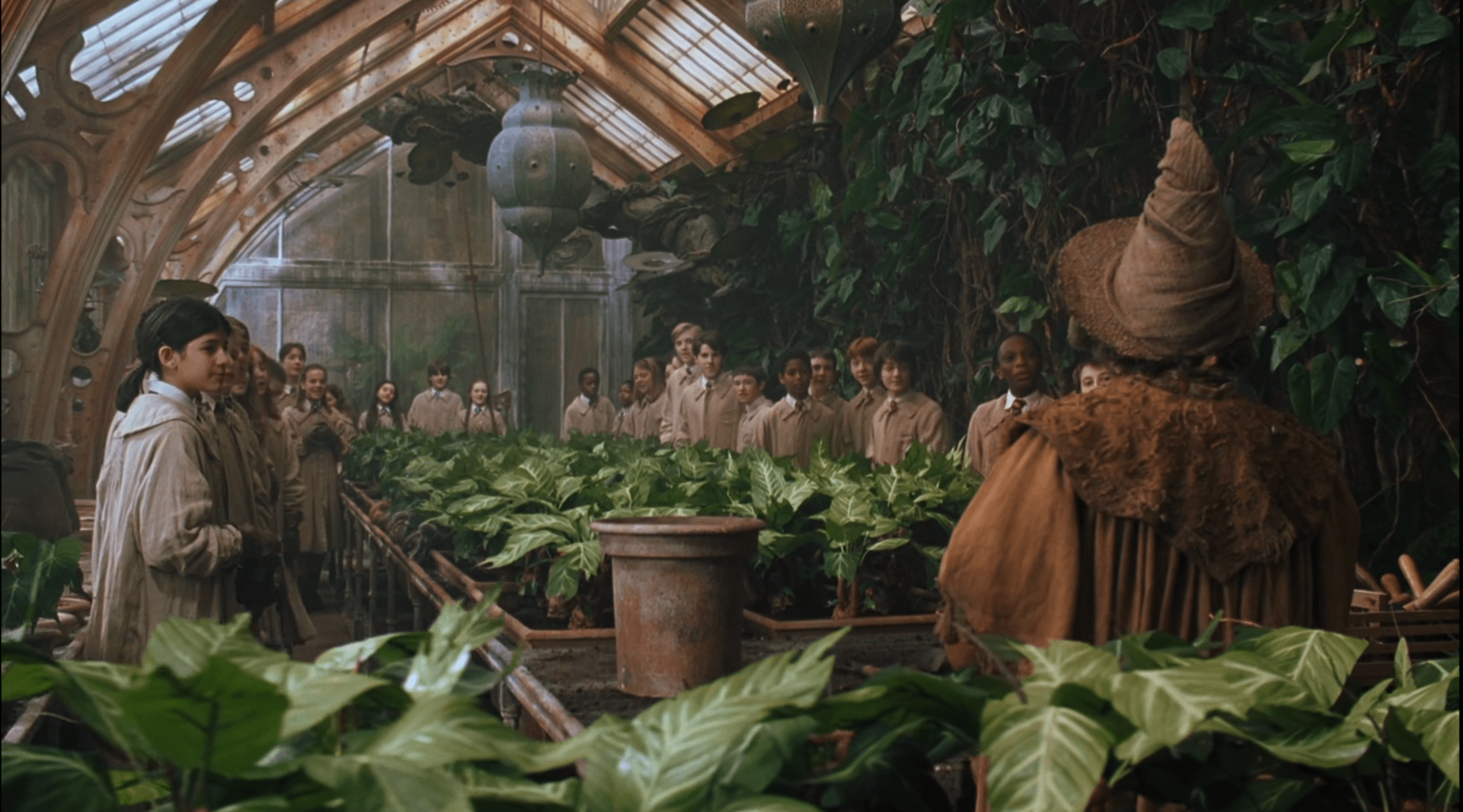
Designing a Hogwarts Greenhouse
A day-dream that turned into a full set of drawings — a Gothic Herbology glasshouse with dragon finials, cast-iron ribs, and a drainage channel down the middle.
Studio
A look at Peas & Quiet — the little browser studio I built for designing seed stickers, packets, and almanac cards by hand.
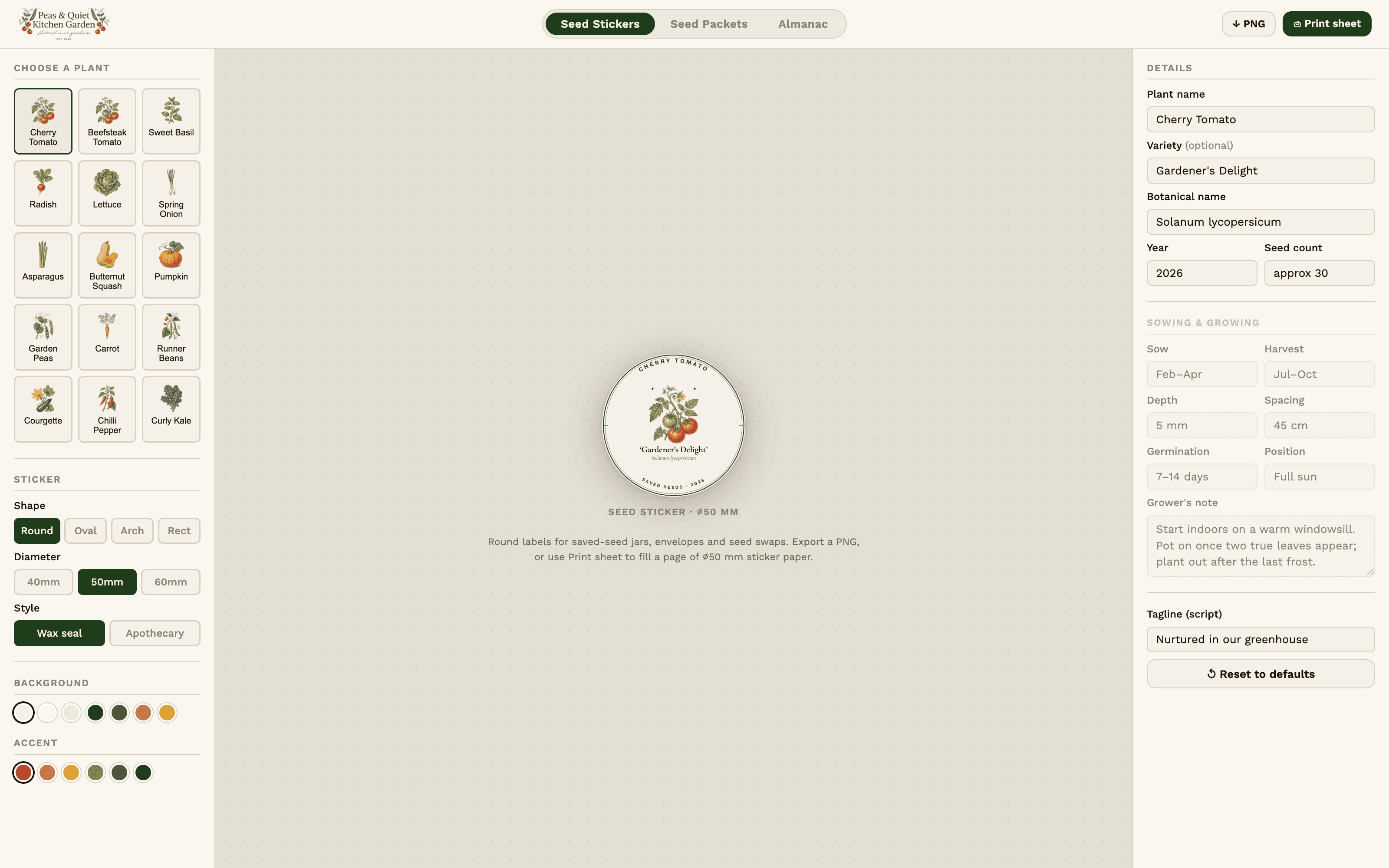
There's a particular kind of satisfaction in opening a drawer and finding seeds you saved yourself — but the little envelopes always looked like an afterthought. Scrawled biro on a fold of paper. So I built a studio to fix that.
Peas & Quiet — Seed Studio is a single-page tool that lives right in the browser. No accounts, no cloud, just a workbench for turning a handful of saved seeds into something worth keeping on a shelf.
The studio has three things it knows how to make, switchable from the top of the screen:
Down the left side is a grid of hand-drawn crops to start from — peas, beans, kale, lettuce, carrots, radish, courgette, squash, pumpkin, tomato, chilli, basil, asparagus, spring onion. Pick one and the studio pulls in its illustration and a sensible starting layout, then everything is yours to edit.
The whole point is the paper at the end. Every design exports as a PNG or drops straight onto a print sheet laid out for an A4 page, so a morning at the kitchen table turns into a year's worth of labels.
It's a small thing. But there's something quietly lovely about reaching for a jar in February and finding a proper little packet — peas, and quiet — waiting for spring.
Studio
A day-dream that turned into a full set of drawings — a Gothic Herbology glasshouse with dragon finials, cast-iron ribs, and a drainage channel down the middle.
Studio
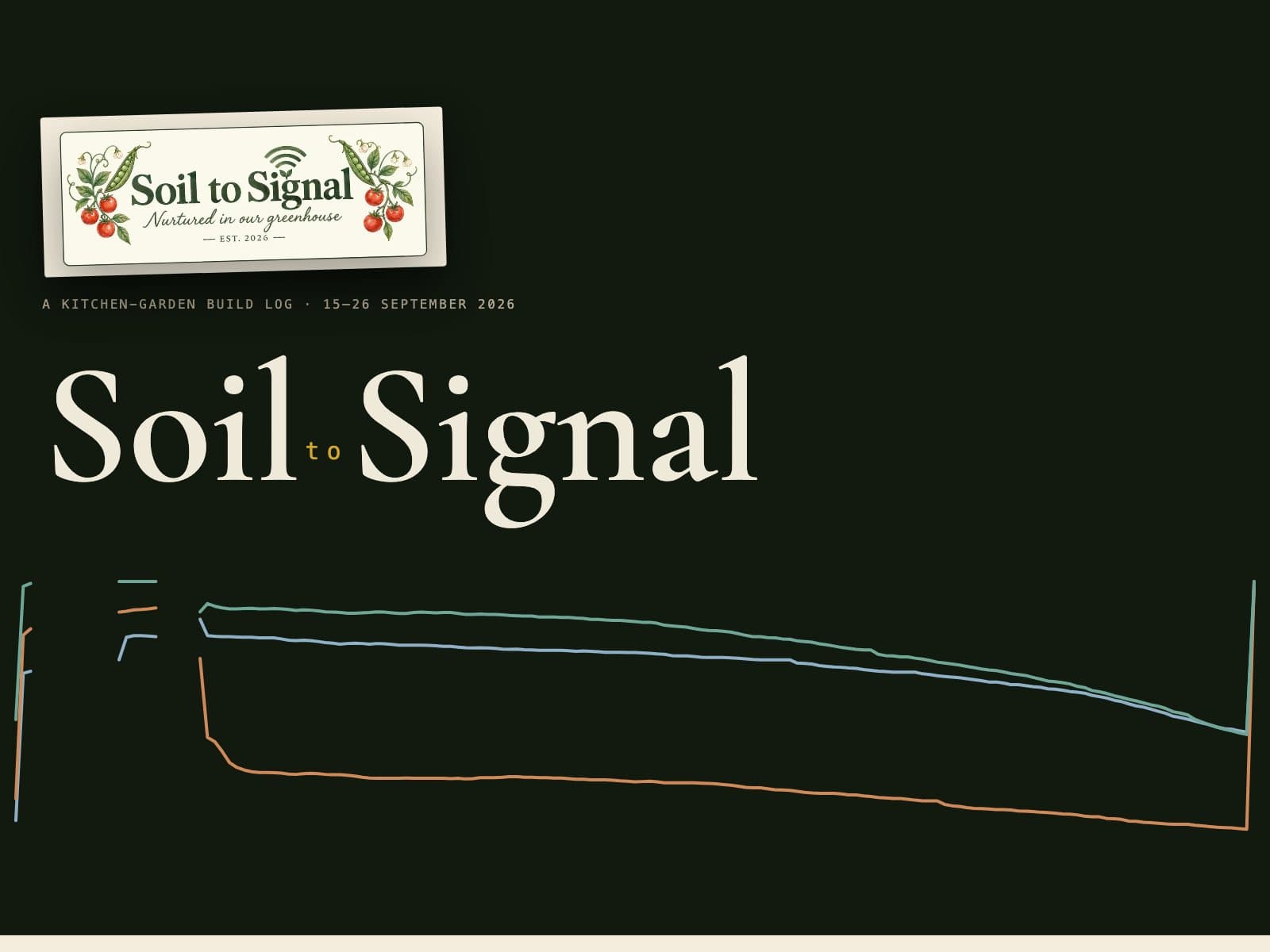
Three pots, one ESP32 and a Raspberry Pi in the house: the first two weeks of the build as a story in eleven chapters, from the bench to a bed that will water itself next summer.
Studio
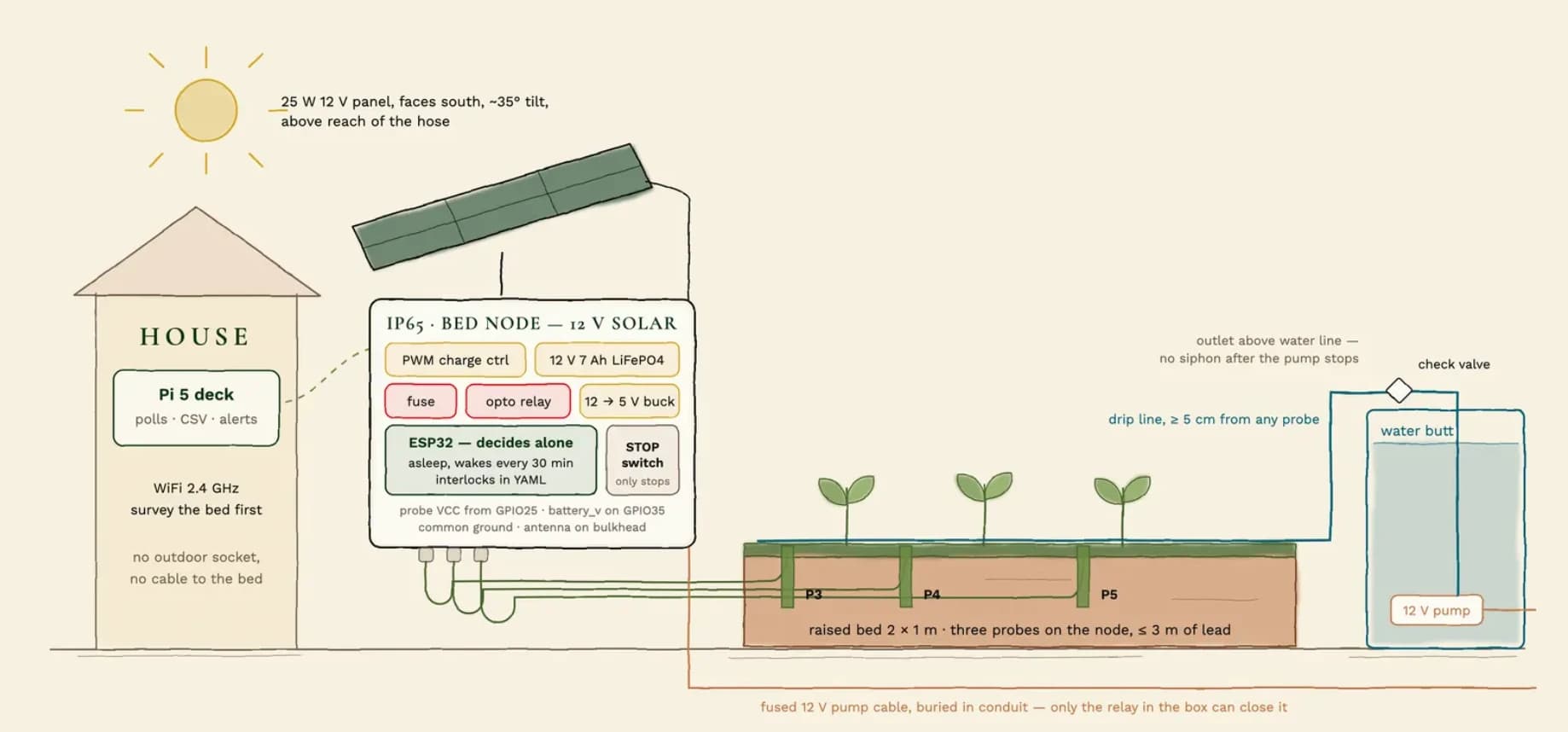
Every part the soil-moisture project needs, listed in the phase that first needs it — with prices, links and the one rule that says what not to buy yet.